
Independent editorial guidance on compatibility, device settings, safety, and responsible use.
Contact and Support
Independent editorial guidance on compatibility, device settings, safety, and responsible use.
If you found this page by searching for “Fale Conosco e Suporte Técnico,” start by identifying where your problem occurs. A store that declines an installation, a TV that cannot find a server, and a guide that describes an outdated menu each involve different people. This page helps you prepare a focused question and identify a suitable place to ask it. There is no form to fill out here. Keep your notes private until you choose a verified support channel.
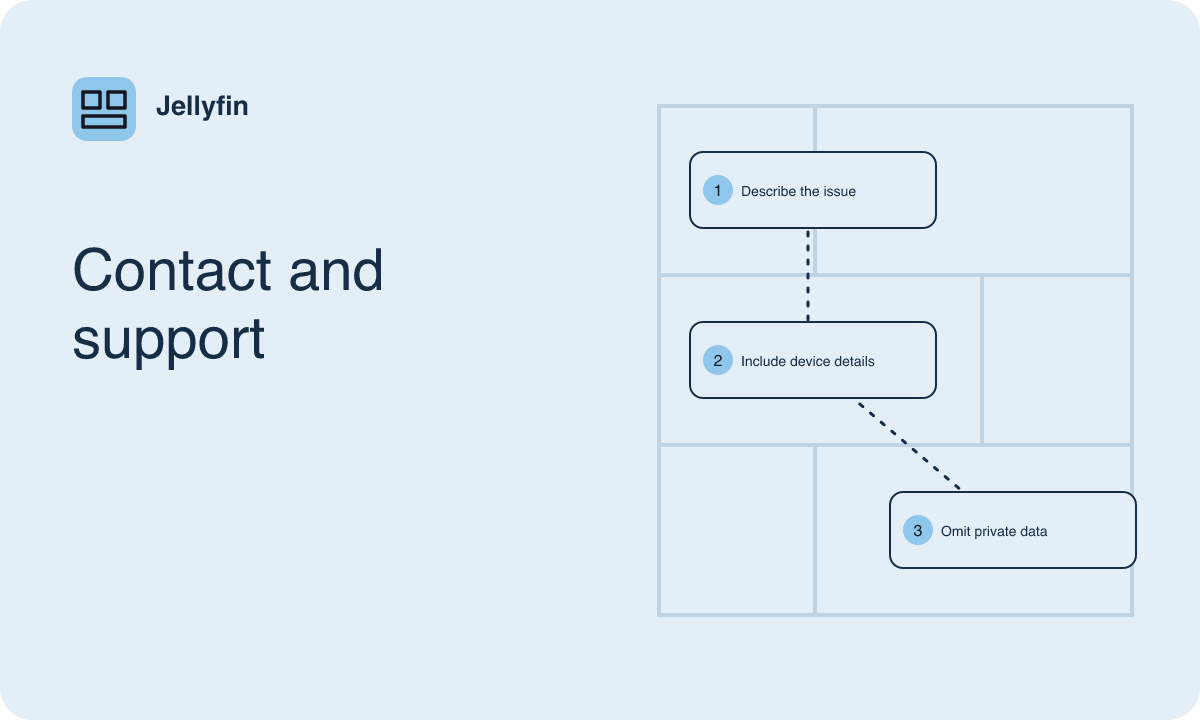
Identify who can act on the problem
Start with what you were trying to do and where you got stuck. If a phone store says the app is unavailable, check the app distribution information and the store's device compatibility or account guidance. If a TV opens the app but cannot reach your household server, ask the person who maintains that server whether it is running and which network has access. If the issue involves the television operating system or remote, the device maker's support resources may be the best place to start.
For a reproducible problem with a Jellyfin client, use the project's documented support references for that component. Check whether they point to a community discussion area, an issue tracker, or another resource and read its instructions before posting. If the problem is a sentence in a guide, record the guide title, the section, and the wording that needs checking. Look for a verified way to send editorial feedback if one is available. A report about a guide can be useful even if the software itself works as expected.
Record the parts of your setup that matter
Write down the hardware model, operating system version, and installed client name and release. Find those details in the device or app information screen. On a television with a separate streaming device, note the system running the app and the screen or sound equipment only where relevant. If the issue involves the server, ask its administrator for the server release and operating system. Identify whether the client came from a documented store channel or a manual installation.
Keep the description as specific as the problem requires. If you cannot see the app in a store, your device model, operating system, and distribution channel may be enough to begin. If audio cuts out when the television sends sound to a receiver, describe the receiver and audio connection as well. Include when you first noticed the problem and whether something changed around that time. Only list changes you can confirm, such as an app update shown in the device's history or a different network selected in settings.
Describe the shortest repeatable sequence
Explain the steps someone would take to see the problem, beginning with an ordinary starting point. State what you expected and what appeared. For example, a casting report might say that the receiver appears in the device list, acknowledges the selection, and shows a loading screen when playback begins. Include whether the same title starts on the phone without casting. That gives the reader more to work with than a one-line statement that casting is broken.
If the issue occurs only sometimes, say so. Note whether it follows a particular time of day, action, or file. For a problem that depends on captions, describe the track and the exact action that changes playback, such as turning on the track after seeking. Include a short error message when it helps. Transcribe only the relevant words after removing details that identify your server or library. A small, repeatable example makes the problem easier to discuss and reduces the amount of information you need to share.
Add one comparison that narrows the question
Choose a comparison that changes one part of the setup. For an issue opening the library, try a second authorized client on the same network. For a playback issue, try a short, ordinary sample on the same device before changing the network. For audio trouble, compare two tracks in the same title if both are available. Tell the recipient which settings stayed the same and which single thing you changed.
As an example, you can report that the TV plays a short stereo clip with default settings and that a longer clip stops at the same scene when the selected subtitle track is on. If your administrator can see playback information, include whether the attempts used different playback methods. If you cannot establish that, leave the question open. Collecting one clear comparison usually helps more than listing every action you tried. It also prevents unrelated changes from obscuring what the recipient needs to investigate.
Review what you plan to share
Read your message as though it will appear in a public forum. Remove server access information, private addresses, account details, personal file paths, and any identifying title or device names. Check screenshots for notifications, artwork, background tabs, and names visible in the interface. When the issue is a button or error message, a cropped image or a short transcription may show everything the recipient needs. Use an ordinary sample title for playback screenshots whenever it reproduces the problem.
Diagnostic output can contain information that is easy to overlook. If someone in a verified support channel asks for logs, verify what portion they need and review the excerpt before sharing it. Ask the server administrator to help when the information comes from a system they maintain. Keep original records in a private place. A short report with a model, release, relevant setting, and observed behavior often gives a recipient enough information to ask an informed follow-up without access to your media.
Put the question in a form someone can answer
Use a short title that identifies the device and observed behavior, such as “TV client stops playback after enabling captions.” Then describe the intended action, steps, actual result, and comparison. End with one question that fits the recipient's role. A device maker may be able to explain whether its model supports a setting. A server administrator may be able to compare the playback attempts. Project support may need to know whether a client behavior matches something already documented.
If you are reporting a guide correction, name the topic and explain what you observed on the device. Distinguish menu labels you actually saw from possible names you found in other sources. Include the system version if it explains the difference. Before you send any question, check the destination's posting guidance and visibility so you know who will see your notes. Keep a private copy of the concise report so that a later comparison, update, or reply can refer to the same original observations.