
Independent editorial guidance on compatibility, device settings, safety, and responsible use.
Jellyfin vs. Plex vs. Emby for a Home Media Library
Independent editorial guidance on compatibility, device settings, safety, and responsible use.
Jellyfin, Plex, and Emby are options to look at when you want a library on a computer or storage system to be available on other screens. A search for “Melhores Alternativas ao Jellyfin” is a starting point. The best fit for your household depends on who maintains the server, which clients work on your devices, and which features you actually use. Make the comparison with a few familiar files and the people who will do the watching.
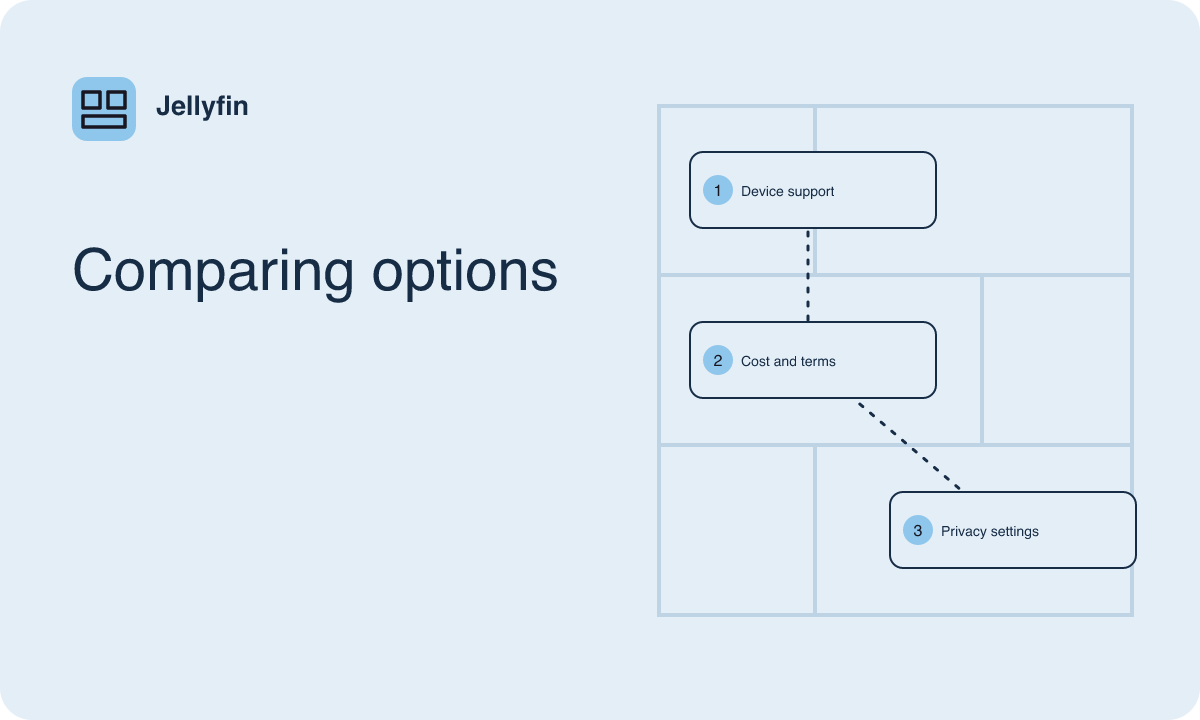
Decide what the server must do
Write down the purpose of the library in everyday terms. You might want a TV to play family recordings in date order, or you might want several people to resume movies on different devices. Someone who primarily watches at home will weigh network setup differently from someone who needs access away from home. Make a short list of the jobs that would justify a switch to a different platform.
Each option has its own approach to installation, library management, and the relationship between server and client. Jellyfin is open source and centers on a server you manage. For Plex and Emby, read the product documentation for the specific server and client features you want, including how authentication and optional services fit together. Check the distribution terms for any feature you consider essential. Start the Jellyfin trial by checking how comfortable you are maintaining your own server and connecting the household’s screens to it. In the Plex trial, pay attention to how easily viewers can find your personal library in the interface they actually use. In the Emby trial, check whether the specific playback and library features you want are available under the terms you plan to use. These are useful starting questions even when the three trials ultimately cover the same titles and devices.
Check the screens you already own
Make an inventory of the devices that matter most. Write down each model and system version. Start with the least flexible device, often an older living room television that everyone knows how to use. Follow each project's client directory to the intended store or distribution route, then check the listing from the device itself. A phone listing provides little evidence about a TV platform, even when both devices come from the same manufacturer.
Include the control method in the comparison. A desktop browser can work well with a mouse and keyboard, while a TV app should support basic browsing using only a directional pad. Ask the household member who watches most frequently to find a title, choose an audio or subtitle track, and resume playback later. Record how many steps feel awkward. An available app can still be a poor fit if the person who uses it has trouble seeing focus or reaching playback controls from the couch.
Compare access and privacy choices
Look at how the products handle device connections, viewer profiles, and features that involve external services. For each one, identify which activities remain within the home and which may contact an outside service. Pay attention to the difference between the server, the client, and optional metadata or account features. Check the privacy information provided for the exact components you intend to use.
Think through a household scenario. Suppose your library includes school concerts and videos that only a few relatives should see. Try organizing your sample library into ordinary and restricted groups, then review the view available to each person. Consider whether artwork and titles appear in device notifications or recent activity. Discuss who will administer changes when someone gets a new TV or when a shared device leaves the household. If remote viewing matters, evaluate the documented setup and maintenance needs before enabling it.
Compare costs for the same set of tasks
Check each project's own information for the features and devices in your comparison. A server can be available under different terms from an app, and a feature available on one client may work differently on another. Identify any payment that would apply to the task you listed, such as a particular mobile feature or access option. Compare the same viewing requirements across the three systems so that a difference in distribution or device support is visible.
Account for the hardware you already have. Reusing a computer may make the initial setup easy, but it still needs to be awake during playback. If a client commonly needs the server to convert your media, that affects the kind of hardware you may want to run. Add the time required to learn library management, maintain updates, and help other viewers. For a family that rarely watches outside the living room, ease of daily navigation can be worth more than features nobody expects to use.
Run a small playback and organization trial
Use a separate test folder with files you are authorized to play. Include a short video, an item with subtitles, and a longer title in a format common in your collection. Test with the same network, device, and sound equipment when comparing software. Record whether each title starts, seeks cleanly, and resumes. Where a platform provides playback information, check whether the server converted the stream. Record a difference as an observation tied to that specific setup.
Also try adding a new item to the folder and seeing how it appears after a scan. Check whether the title, date, and artwork are suitable and how easy it is to fix a mistaken match. If you primarily store your own recordings, test names that reflect actual events rather than relying on a catalog lookup. Leave shared library organization and viewing history alone during this trial. A controlled sample helps you learn what each platform expects before you commit a larger collection.
Make the decision with the primary viewer
Compare the trial outcomes against your original list. A household that uses mixed devices may prioritize the client that works smoothly on its oldest screen. A person who maintains a home server may give greater weight to control over its settings and the work involved in keeping it updated. Decide which tradeoffs matter using your own results. Release announcements and general comparisons can help you identify features to test, while your trial shows how those features behave in the room where they will be used.
If the current setup still meets the main needs, note the one problem a replacement would have to solve before you do more migration work. If another platform fits better, record its installation channel, the hardware you tested, and the settings that made playback comfortable. Keep copies of your media independent of any one library application so that your choice of player remains reversible.